Vertical property tours · Real estate
Every listing deserves a reel.
Upload the listing photos, pick an AI presenter, and get a captioned vertical tour — ready for TikTok, Instagram Reels, YouTube Shorts, X and Facebook, posted from one screen.
Publishes to
- TikTok
- Instagram Reels
- YouTube Shorts
- X
- Facebook Reels
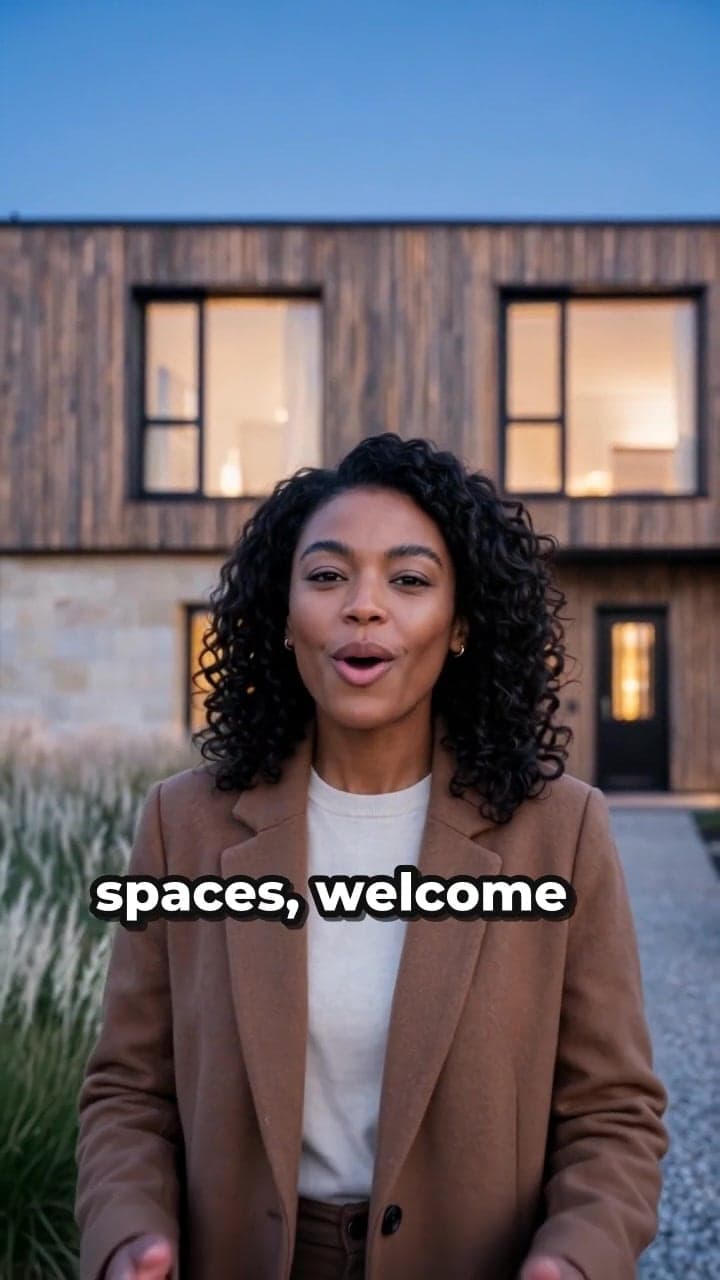
 Amara OkaforAI presenter · fictional home
How it works
From listing photos to a posted reel, in four steps.
No crew, no editing app, no re-typing captions five times. You bring the photos and the facts; the script, voice, camera work, captions and posting are handled.
01 Step 1 of 4
Add the listing
Address, price, rooms and the points you'd make at a showing. The script and every caption are written from these facts — nothing else.
02 Step 2 of 4
Drop in the photos
Drag in the listing photos; they're sorted into rooms for you. Each room becomes a vertical scene, in the order you set.
03 Step 3 of 4
Pick a presenter
Choose a presenter whose voice and manner suit the home, or add your own from a photo. They walk viewers through the property on camera, room by room.
04 Step 4 of 4
Post everywhere
Render a captioned 9:16 tour, then send it to TikTok, Instagram Reels, YouTube Shorts, X and your Facebook Page from one screen — captions written for each.


Sample tour
One take, start to finish.
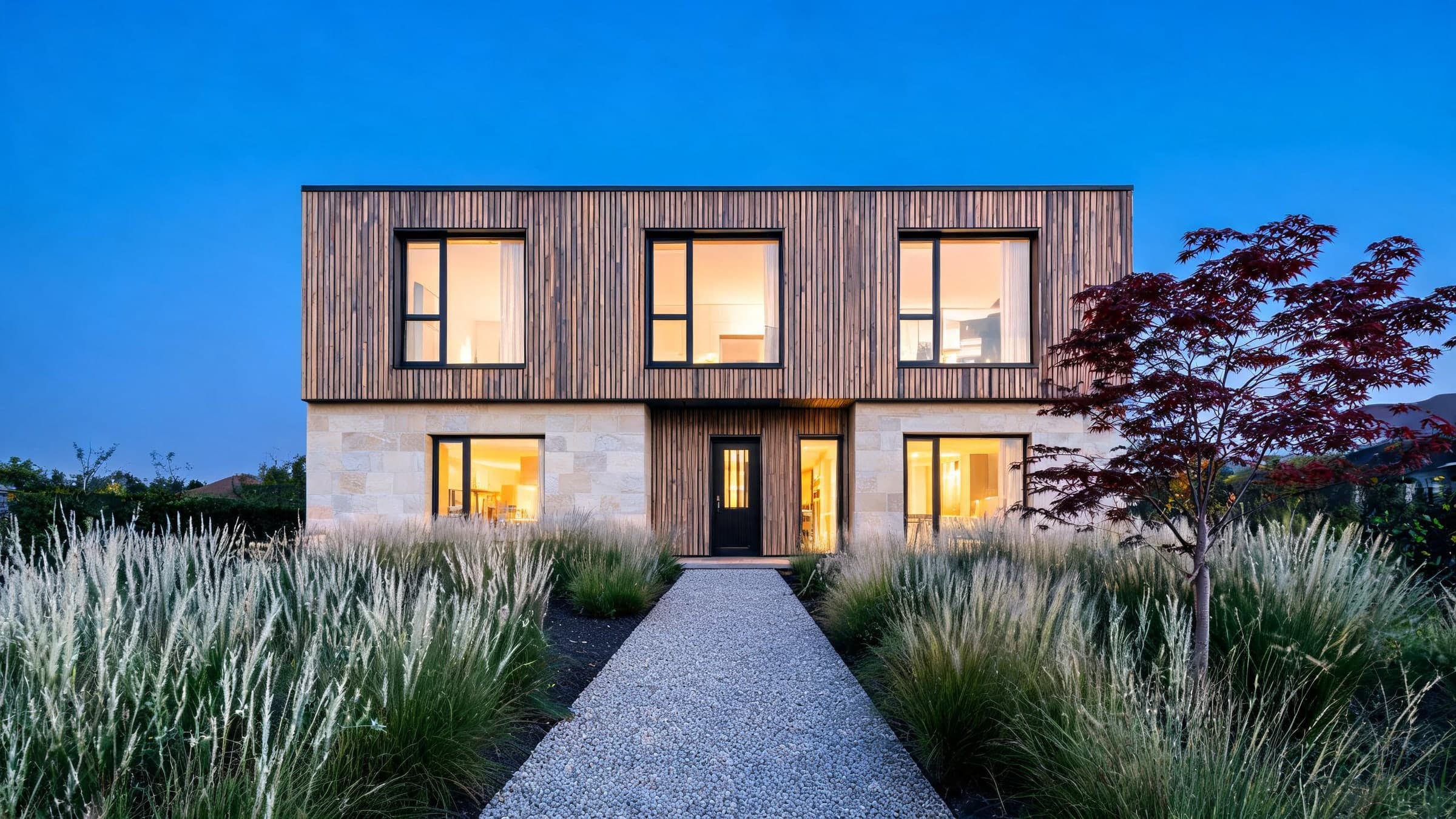
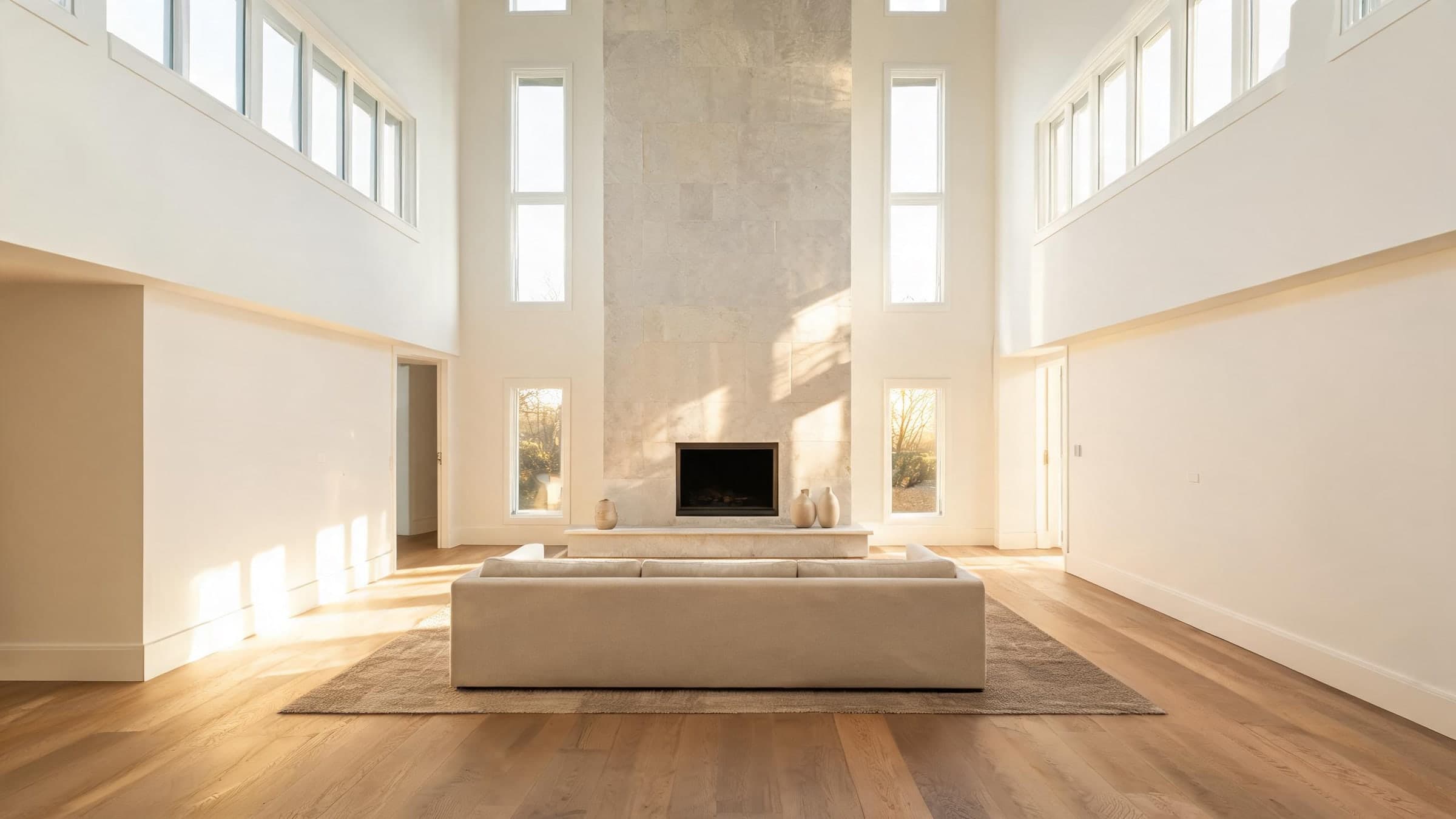
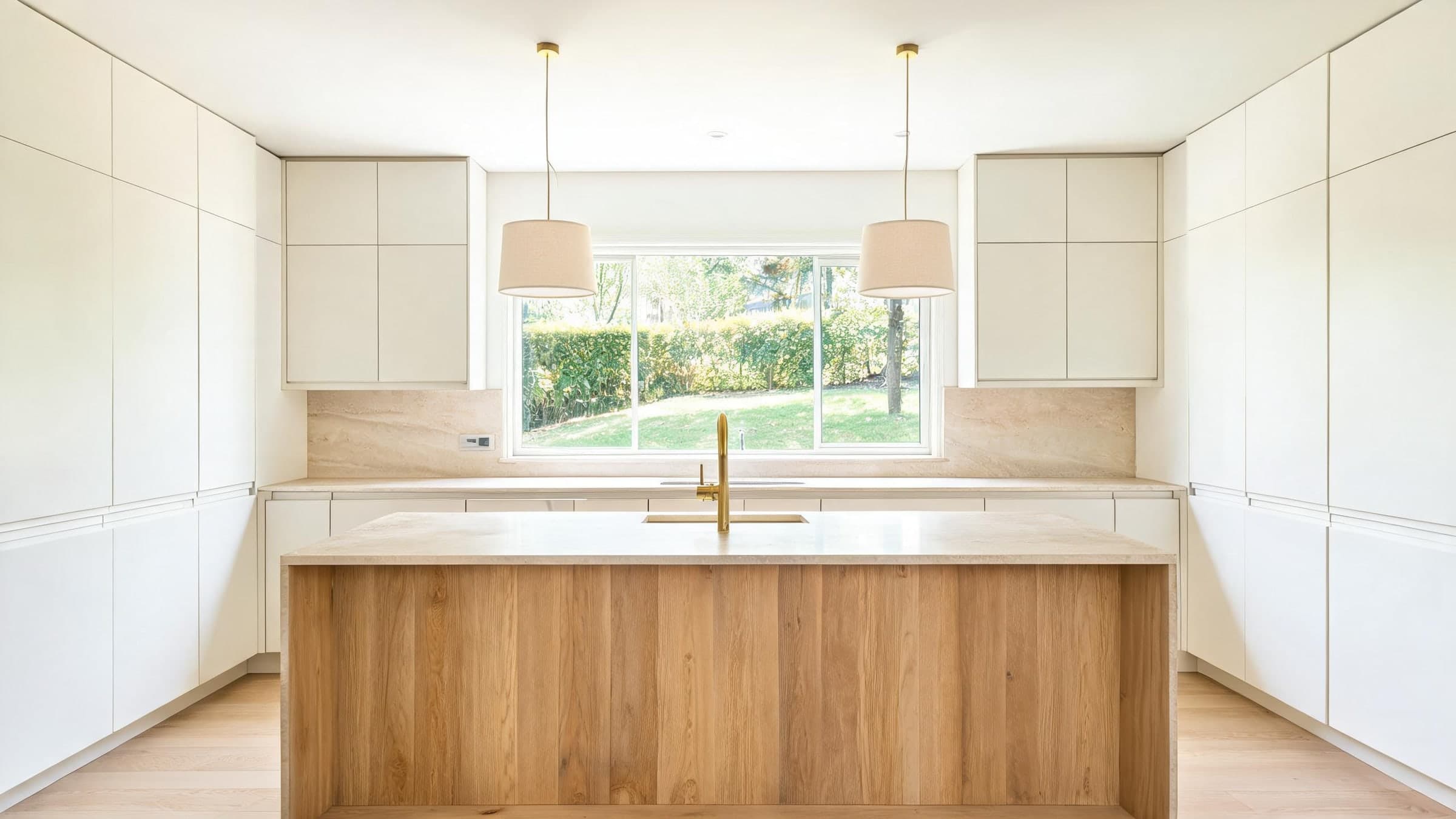
Six photos of a fictional home went in; this vertical, captioned tour came out. Choose any line of the script to jump to it.
Amara Okafor is an AI presenter, and Alder House is a fictional home. Script, voice, presenter footage, camera moves, captions and edit were all produced by the pipeline you'd use, with no manual editing.
Made for the feed
Built for thumbs, not for demos.
Everything a listing video needs to work on social — in the format, with the captions and in the places your buyers already scroll.
Vertical first
9:16 at 720 × 1280, the shape TikTok, Reels and Shorts are built for. Need YouTube or a listing portal? Render a 16:9 cut from the same project.
Captions burned in
Most feeds start muted, so every word your presenter says appears on screen — bold, readable, and placed clear of the app's buttons.
Copy for every platform
A caption and hashtags for TikTok, Instagram and Facebook, a title for YouTube, a post for X — written from your listing. Edit anything before it goes out.
Post from one screen
Connect your accounts once, then publish in a click. TikTok receives a draft, so you can add a trending sound before it goes live.
Or share from your phone
On a phone, send the finished video and its caption to any app through the share sheet — or download the MP4 and post it yourself.
Rooms as photographed
Each room is filmed from your own photo, and the video model is told to keep every wall, finish and light as it is — only the camera moves.
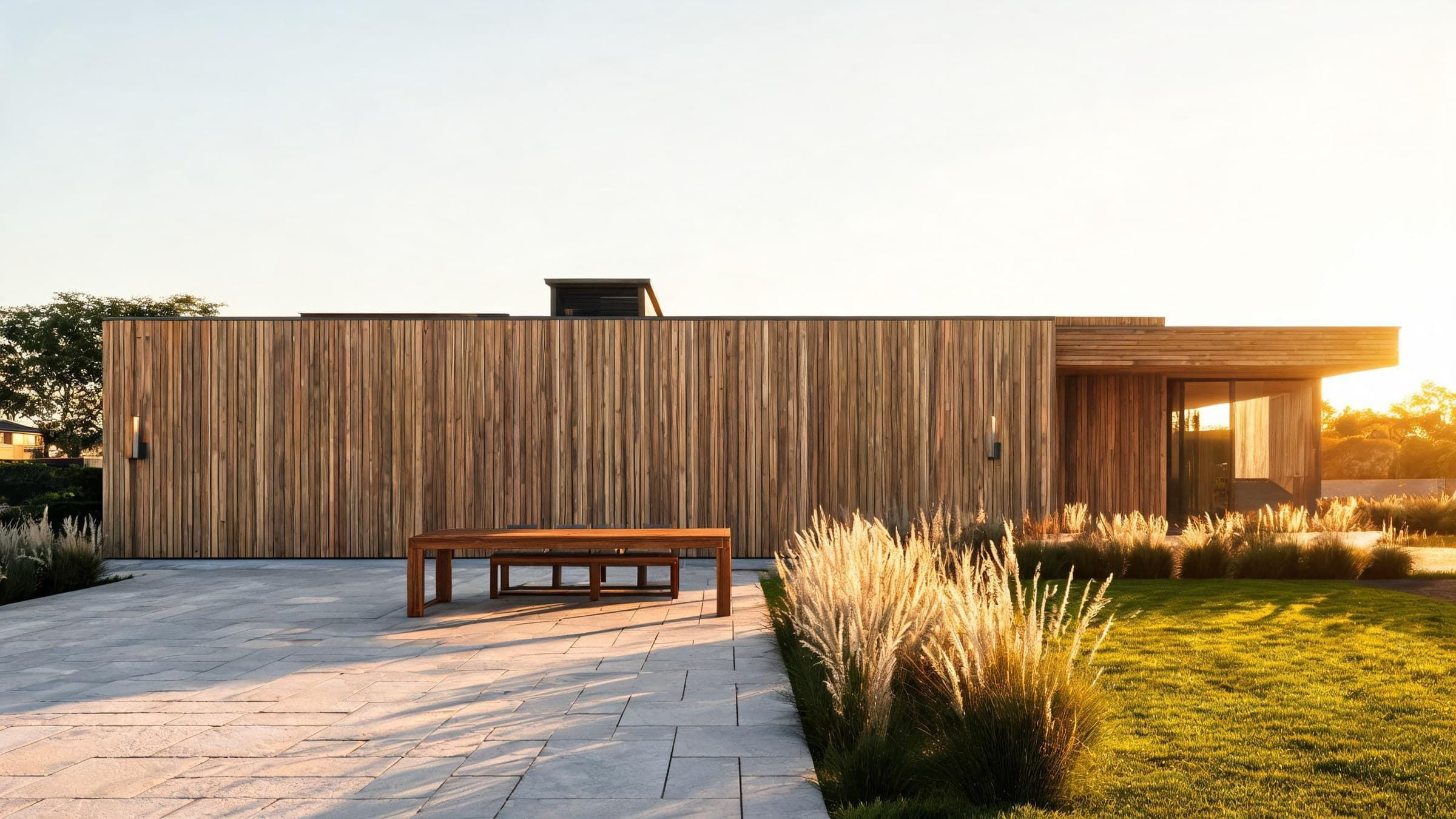
Your next listing, in every feed.
Create a project, add the photos and pick a presenter. The tour renders in the background; post it to your channels when it's ready.